The REST Over-Fetching Problem
If you’re building a frontend application on top of Perfex CRM data, you’ve encountered this pattern:
Request: “I need client name, email, and their latest invoice total.”
REST response: Returns 47 fields per client including internal IDs, timestamps, metadata, and columns you never asked for. Then you make a second request to get invoices. Then a third to correlate them.
Three API calls. 90% wasted data. This is over-fetching — and it’s why modern frontend teams demand GraphQL.
One Request. Exact Data. Zero Waste.
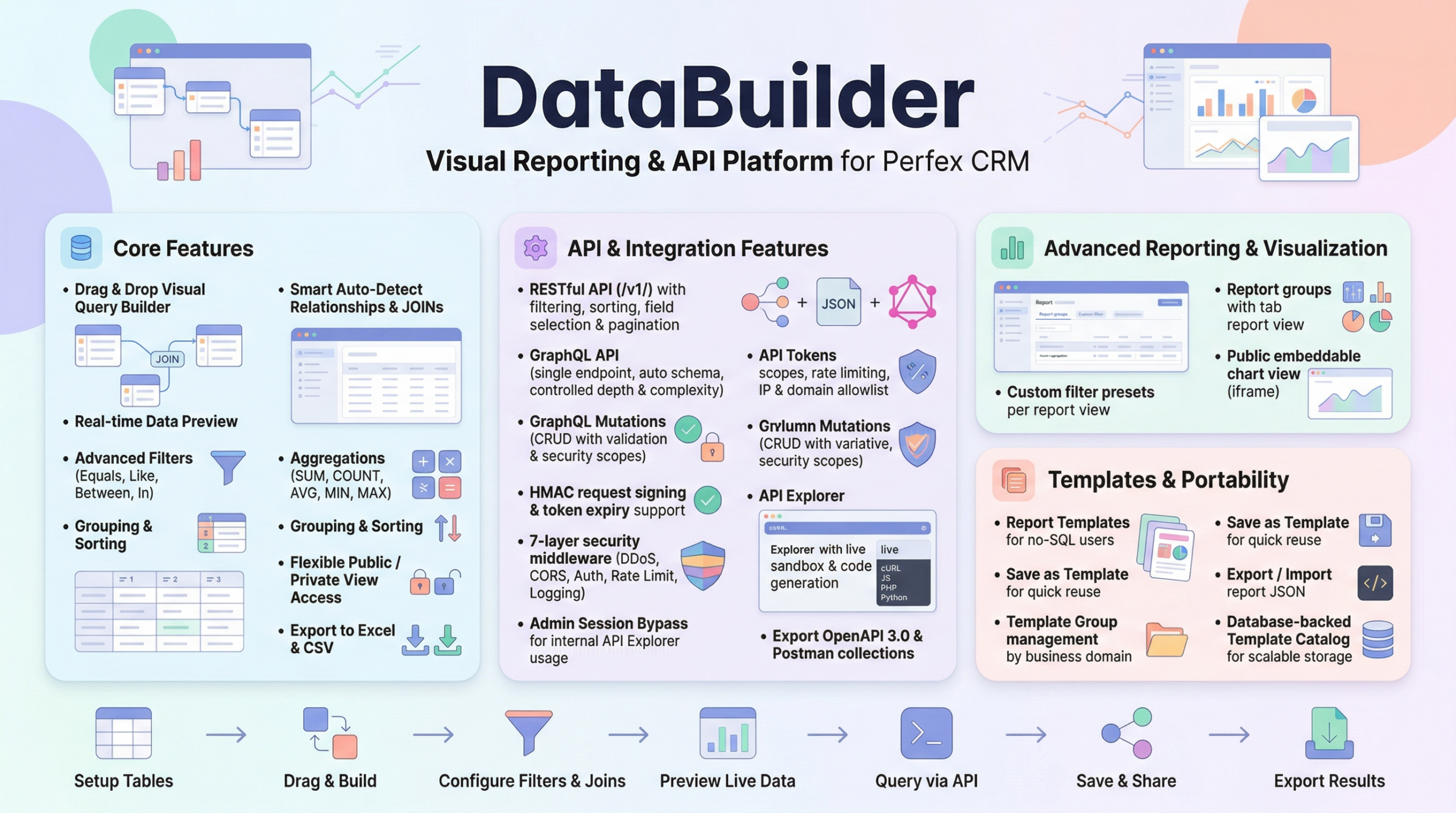
Data Builder adds a production-ready GraphQL endpoint to your Perfex CRM at /api/v1/graphql. You query exactly the fields you need, across multiple resources, in a single request:
{
  clients(filter: { active: 1 }, limit: 10) {
    userid
    company
    email
  }
}
Response: Only userid, company, and email. Nothing more. Your frontend gets exactly the data shape it expects.
Powerful Filtering Built In
Every table automatically generates filter input types with operator suffixes:
{
  invoices(filter: {
    status: 2,
    total_gte: 1000,
    total_lt: 5000,
    duedate_lt: "2026-05-01"
  }) {
    id
    total
    duedate
    status
  }
}
Supported operators per column:
eq(equality, default)ne(not equal)gt,gte,lt,lte(comparisons)like(pattern matching)in(list matching)is_null(null check)
All filters combine with AND logic. Security-excluded columns (password, hash, token) are silently ignored in filters.
Full Mutation Support
GraphQL isn’t read-only. Data Builder supports create, update, and delete mutations with write scope enforcement:
mutation {
  createInvoice(input: {
    clientid: 42,
    total: 2500.00,
    status: 1
  }) {
    id
    total
    status
  }
}
Mutations are auto-generated from your table schemas. Input types are created automatically — no manual schema writing required.
Write scope enforcement: Mutations only appear in the schema when the API token has the corresponding permission. If a token has read-only access, mutation fields are invisible (not just blocked) — they don’t exist in the schema at all.
Production Safety Controls
GraphQL’s flexibility is powerful, but without guardrails it can be dangerous. Data Builder includes production-grade protections:
| Control | Setting | Purpose |
|---|---|---|
| Query Depth | Max 5 levels | Prevent deeply nested resource-exhaustion queries |
| Query Complexity | Max 500 score | Custom per-field complexity functions |
| Introspection | Disabled for external tokens | Prevent schema discovery by external clients |
| Anti-Batching | JSON array body rejected | Prevent multi-query attacks (OWASP API2:2023) |
The admin API Explorer allows introspection for internal development — but external tokens see a locked-down schema surface.
Auto-Generated Schema
You don’t write GraphQL schemas manually. Data Builder scans your whitelisted tables and generates:
- Query types for every table
- Filter input types with all operator suffixes
- Mutation types (create/update/delete) with auto-detected primary keys
- Proper scalar mapping: MySQL BIGINT → GraphQL
String, DECIMAL →String(financial precision preserved)
When you whitelist a new table, its GraphQL types appear immediately. No code generation step. No schema files to maintain.
Test in the API Explorer
The built-in API Explorer includes a GraphQL sandbox with:
- Sample queries for every table
- Live execution against your database
- Response preview with syntax highlighting
- PII randomization in sandbox mode — real query structure, randomized sensitive data
Frontend Should Query, Not Fight APIs
If you’re building a mobile app, a Vue/React dashboard, or a SaaS product on Perfex CRM data — GraphQL gives your frontend team the flexibility to move fast without backend bottlenecks.
One endpoint. Any data shape. Zero wasted bandwidth.
Frontend should query, not fight APIs.
Leave a Reply