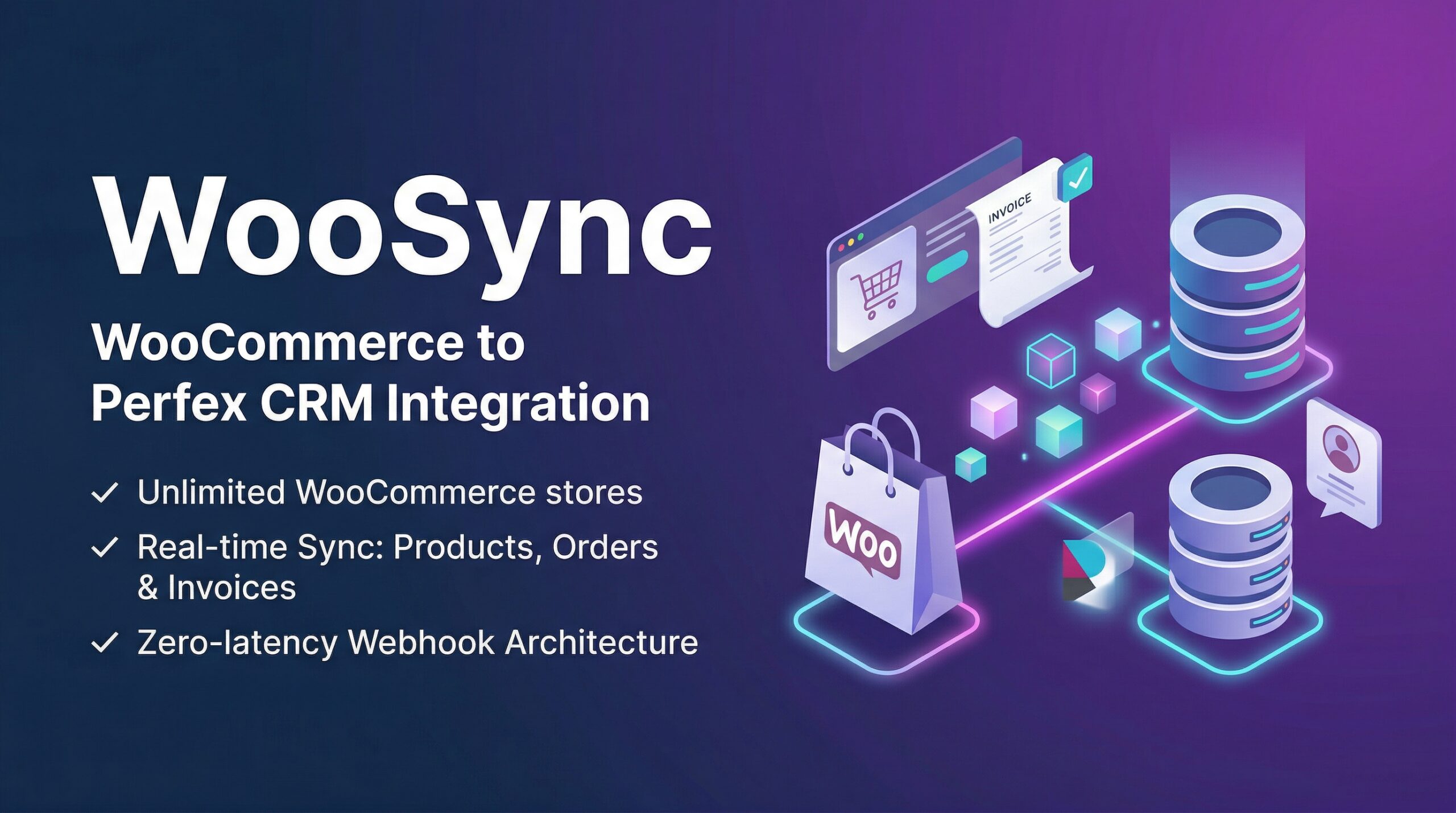
WooSync for Perfex CRM. The ultimate bridge between WooCommerce and Perfex CRM. Synchronize Products, Orders, and Customers securely in real-time.
…Overview
Welcome to the official technical manual for WooSync. This module synchronizes WooCommerce ecosystems securely and automatically into Perfex CRM databases via Webhooks and Delta Cron logic.
Whether you are managing a single shop or an unlimited network of multi-store WooCommerce environments, WooSync acts as an automated pipeline bridging the gap seamlessly.
Demo of WooSync features:
Site: https://woosync.polyxgo.com/admin
Quick Start
If you’re in a hurry to get everything running in under 3 minutes:
- Upload the
woosyncfolder to yourperfex_crm/modules/directory and activate it. - In your WordPress/WooCommerce site, generate a REST API Key with Read/Write permissions.
- Inside Perfex CRM, head to WooSync -> Stores -> Add Store and plug in the credentials. Test the connection.
- Edit the Store to reveal your generated Webhook Delivery URL and Webhook Secret.
- In WooCommerce, go to Settings -> Advanced -> Webhooks. Add webhooks (e.g.
Order created,Product updated) using the details from step 4. Data will now arrive instantly.
Full Installation & Setup
To safely install and configure WooSync without data interruption:
- Download the
woosync.zippackage from codecanyon. - Go to Setup > Modules in the Perfex CRM admin area.
- Upload the zip file via the Install Module prompt and click Activate.
- This will automatically mount database tables (e.g.
tblwoosync_stores,tblwoosync_logs) required for operation.
Configuration (API & Webhooks)
1. Setting up WooCommerce REST API
We use REST API for initial Delta Syncs, connection tests, and Background Cron retrieval.
- In WordPress, navigate to WooCommerce > Settings > Advanced > REST API.
- Generate an API Key with Read/Write permissions.
- In Perfex CRM, go to WooSync > Stores and add the keys. Run the “Test Connection” tool to verify viability.
2. Setting up Webhooks (Recommended)
Webhooks transmit data in real-time, removing reliance on periodic server tasks (cronjobs) while keeping traffic latency strictly zero.
- Click the “Edit” icon on your Store in Perfex to reveal your
Delivery URLandWebhook Secrethash. - In WooCommerce, head to Settings > Advanced > Webhooks and add new hooks pointing to that URL.
- We recommend tracking the following topics:
product.created,product.updated,order.created,order.updated,customer.updated.
Core Features Deep Dive
1. Silent Customer Automation
When an order arrives, WooSync naturally builds a Perfex CRM Client and Contact associated with the WooCommerce Customer data.
Silent Sync Protocol: The Contact is explicitly generated with donotsendwelcomeemail = true and given a highly-secure randomized 20-character hash password, guaranteeing the client is NEVER spammed or accidentally notified via native Perfex logic when migrating.
2. Automated Invoicing
Enable a single toggle on your store config to transform WooCommerce processed orders straight into legally compliant Perfex Invoices. Tax and Line Items are mapped instantaneously.
Smart Trigger: To ensure accounting accuracy, WooSync strictly generates invoices only when a WooCommerce order reaches the Completed status.
3. Server-Side Data Grids
To keep the CRM ultra-responsive, the WooSync dashboard operates purely on Ajax-powered Server-Side processing. Sorting by WooCommerce Store ID immediately intercepts the SQL queries to output precisely what you request. Tested successfully with 50,000+ synchronized components without browser lag.
4. Localhost Pseudo-Cron
If you lack a Linux Crontab (e.g. XAMPP usage) or just want to manually test background processes natively: toggle Debug Mode in the settings. This injects a delayed pseudo_cron() request via your browser window, running Delta Sync automatically just like a production server.
Technical Reference
Directory Structure
modules/woosync/
├── controllers/          # Webhook logic & Ajax Tables
├── libraries/            # Synchronization Engines & HMAC verification
├── models/               # Perfex CRUD abstractions
├── views/                # Settings, Modals, Forms
└── woosync.php           # Hooks, Actions, Module Genesis
Security Mechanisms
WooSync actively protects the Perfex application from maliciously crafted Webhook pings.
- HMAC-SHA256 Signatures: Every incoming payload is hashed against the locally stored Secret. If the signature in the
X-WC-Webhook-Signatureheader fails the check, an HTTP 401 Unauthorized is returned outright. - Rate Limiting: A Sliding Window threshold dynamically shields against spam, stopping requests from an IP if it bursts above 120 triggers a minute.
Troubleshooting & FAQ
Yes, WooSync fully supports multi-store synchronization. You can connect an unlimited number of WooCommerce stores from the WooSync > Stores menu and manage all their data centrally within a single Perfex CRM dashboard.
Absolutely. The module provides complete coverage. It synchronizes your product catalog (products, categories, tags, and attributes), customer profiles, WooCommerce orders, and can automatically generate corresponding Perfex Invoices.
Yes. When adding or configuring a store, simply uncheck the “Auto-Create Invoice” setting. Orders will then sync normally into the CRM as standalone records without spawning any financial invoices.
Yes. The sync engine is designed to track state changes. Whether through the scheduled Delta Cron or real-time Webhooks, any updates (such as an order status changing to ‘completed’ or a product price adjustment) will be automatically overwritten and reflected in Perfex CRM.
Yes. By configuring Webhooks in your WooCommerce dashboard, WooSync listens to real-time events. Actions like order.created, product.updated, or customer.updated are instantly caught and processed by the CRM without waiting for periodic cron jobs.
No. WooSync uses a Silent Sync Protocol. During the import, CRM Clients and Contacts are built in the background, assigned highly secure random passwords, and Perfex’s native welcome email triggers are strictly suppressed to avoid spamming your buyers.
Documentation & Support
The downloaded package includes a complete installation guide and feature documentation so you can configure WooSync quickly.
For assistance, submit a support ticket through the Codecanyon comment section. Our team responds as soon as possible with detailed guidance.
Leave a Reply