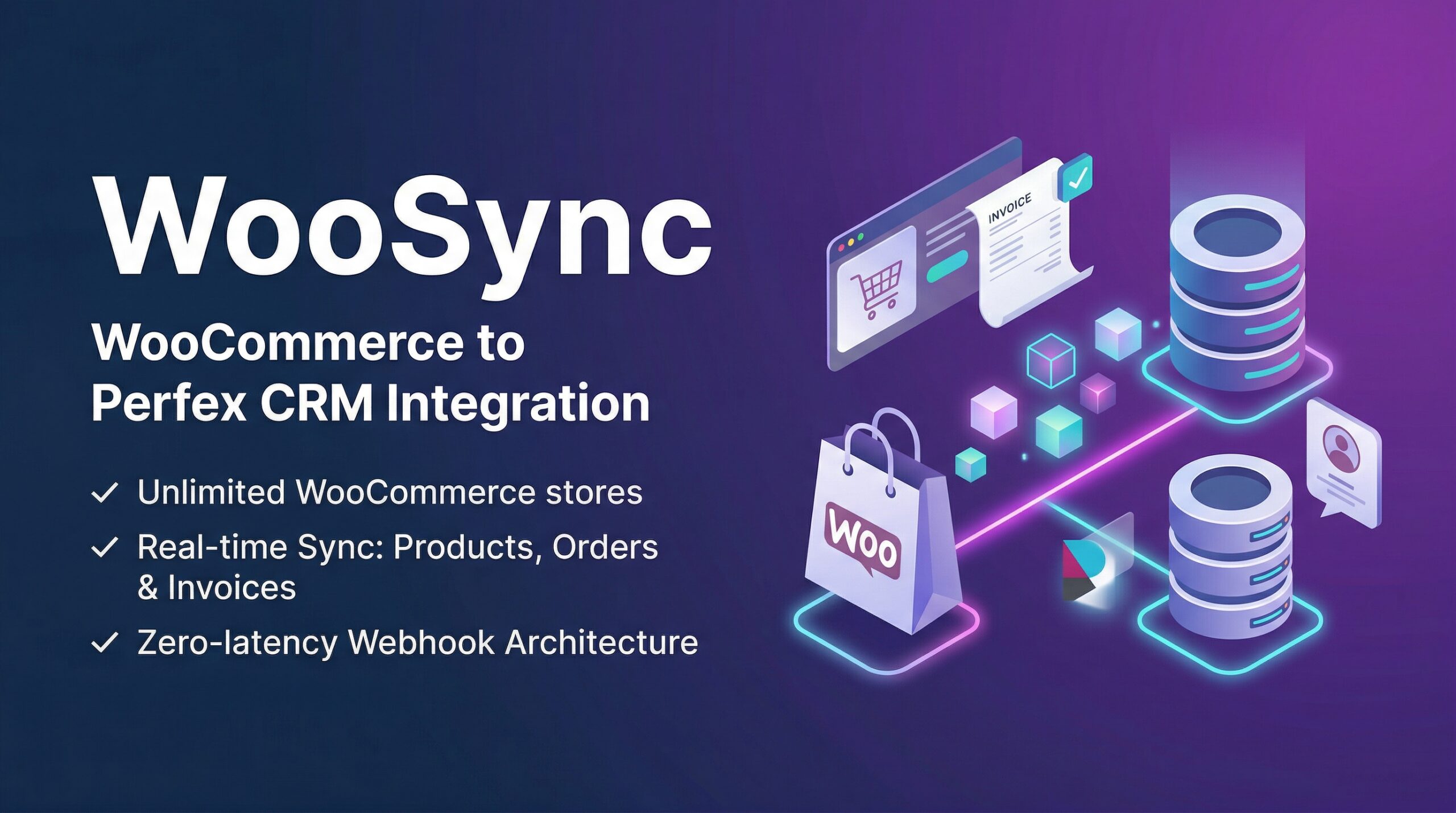
The Manual Data Entry Problem
Every day, thousands of WooCommerce store owners do the same thing: open their store dashboard, copy order details, switch to Perfex CRM, paste them in, create an invoice, link the customer. Repeat.
At 10 orders a day, it’s annoying. At 100 orders a day, it’s a full-time job. At 300 orders a day, it’s impossible.
Manual data entry is the tax you pay for running disconnected systems. And that tax compounds — every missed order is a missed invoice, a missing customer record, a follow-up that never happens.
Three Layers of Automatic Sync
WooSync eliminates manual data entry with a 3-layer synchronization architecture that ensures no order is ever lost:
Layer 1: Webhook (Real-Time)
When a customer places an order on your WooCommerce store, WooSync receives it instantly via webhooks. No delay. No polling. No waiting.
WooCommerce pushes the data to your Perfex CRM the moment it happens:
order.created→ New order appears in WooSyncorder.updated→ Status changes sync automaticallycustomer.created→ New customer linked to Perfex Client
Every webhook payload is verified using HMAC-SHA256 signatures — so your CRM only accepts data from your legitimate store, not from attackers spoofing requests.
Layer 2: Delta Sync (Background Cron)
Webhooks can fail. Servers go down. Network timeouts happen. That’s why WooSync runs a background delta sync using Perfex CRM’s built-in cron system.
The delta engine uses modified_after timestamps to fetch only records that changed since the last sync — no full table scans, no wasted bandwidth. It catches everything the webhooks might have missed.
This runs automatically at configurable intervals (default: 60 minutes) without any manual intervention.
Layer 3: Manual Sync (Visual Progress Bar)
Need to force a full sync? WooSync provides an AJAX-powered step-by-step sync with a visual progress bar:
Each step runs independently, so you can see exactly what’s being synced and how many records were processed.
What Gets Synced
Every order comes with its full context:
- Order details: number, status, currency, totals (subtotal, tax, shipping, discount)
- Line items: product names, SKUs, quantities, prices
- Billing & shipping: full addresses with country resolution
- Tax lines: mapped to Perfex tax IDs via configurable tax mapping
- Shipping lines: method titles and costs
- Fee lines: additional charges
- Coupon lines: discount codes and amounts
- Customer linking: auto-maps to existing Perfex Clients or creates new ones
Checkout-Draft Filtering
WooCommerce generates “checkout-draft” orders when customers start checkout but don’t complete it. These abandoned carts pollute your CRM with incomplete records.
WooSync automatically filters out checkout-draft orders at the model level — they never enter your Perfex database. This filter applies globally: webhooks, cron sync, and manual sync all respect it.
From Orders to Intelligence
Synced orders aren’t just records in a table. They’re the foundation for:
- Automated invoicing: Completed orders automatically generate Perfex invoices
- Customer purchase history: Track total_spent and orders_count per customer
- Sales pipeline visibility: Your CRM finally knows what your store is selling
- Revenue reporting: Combined with Data Builder, create real-time revenue dashboards
Get Started in Minutes
No code. No custom development. No recurring API costs.
Leave a Reply