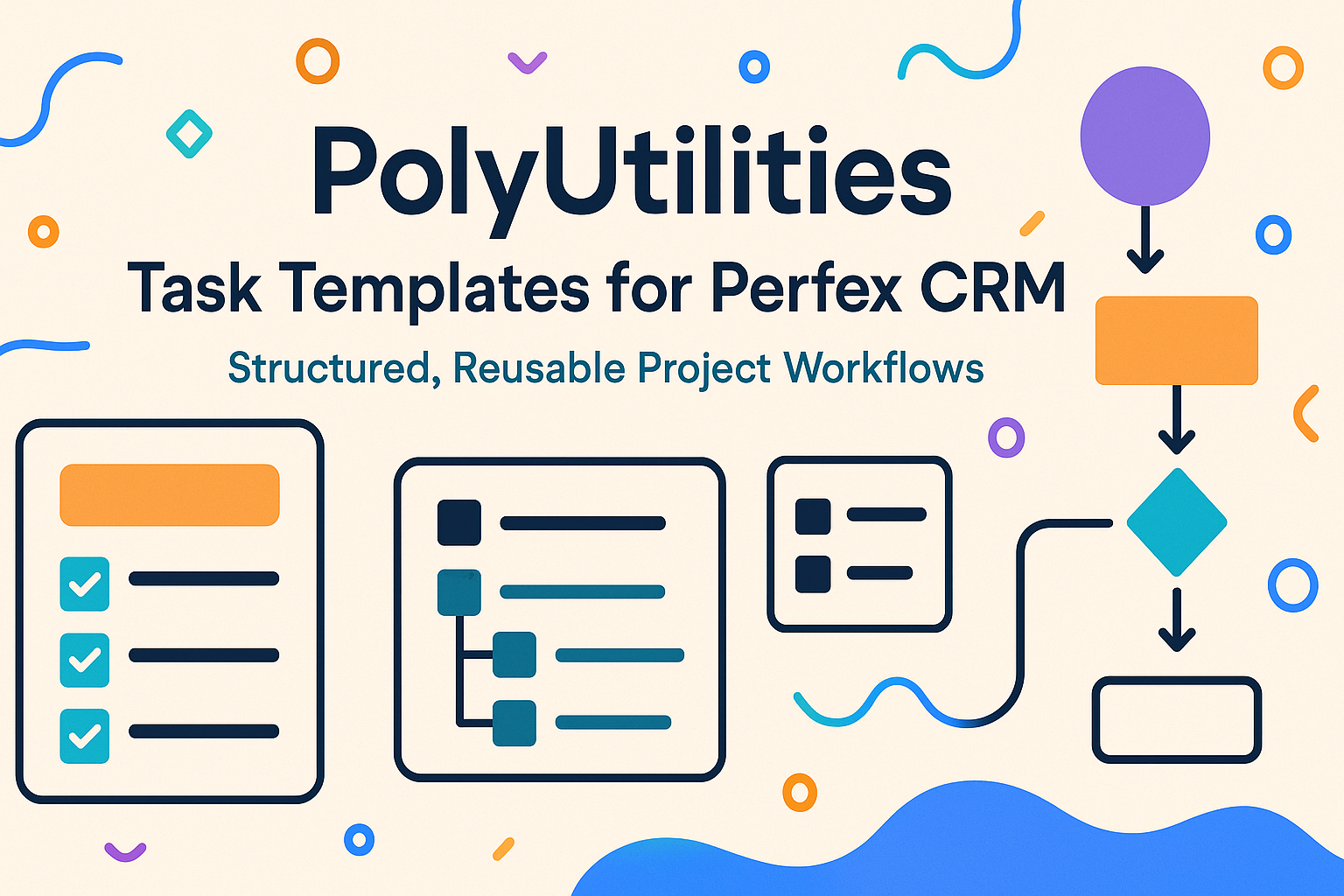
Reusable workflows streamline setup and reduce repeated task creation across projects. Category-based organization and nested checklist items introduce clear structure that adapts to expanding work requirements. The feature enables smoother project creation with predictable, well-organized templates ready for immediate use and is available as part of the PolyUtilities module for Perfex CRM.
Task Templates introduce a structured way for teams to create, store, and reuse predefined sets of tasks for new projects. Instead of manually rebuilding requirement gathering, design steps, development phases, or handover checklists, users can maintain a central collection of templates and categories. This also resolves a frequently requested need: the ability to add detailed checklist items inside each task template, ensuring consistent quality and uniform processes across projects.
Feature Groups
Workflow & Standardization
This group focuses on helping teams avoid duplicated work when initiating new projects by offering predefined task structures and reusable checklists.
Organization & Categorization
Features in this cluster support grouping templates under clear categories, improving navigation and maintaining clarity as the template library grows.
UI/UX & Task Composition
This group highlights the interface that allows adding multiple task items and attaching checklist items to each of them, creating a deeply structured work breakdown.
Detailed Features
Reusable task templates provide a ready-made structure for new projects, eliminating the need to recreate common phases such as requirement gathering, UI planning, development tasks, and handover workflows. This helps teams move faster and reduces human error during setup.
Category-based organization keeps templates easy to navigate, especially in environments where multiple workflows exist across departments or project types. Teams can quickly locate appropriate templates without scrolling through long lists.
Each task item inside a template supports embedded checklist items, addressing the pain point many users face when they cannot locate how to add sub-tasks. This brings clarity and ensures that even detailed steps—like “prepare wireframes,” “validate API contract,” or “conduct QA pass”-are consistently applied.
Interactive UI for ordering, editing, and enabling templates ensures every team can customize template structure to match real processes. Reordering allows templates to reflect actual workflow sequence, improving understanding and execution.
Toggle-based template activation helps teams manage template availability without deleting them, making it easier to maintain multiple versions or workflows across project types.
Technical Notes
- Feature supports task templates with nested checklist items.
- Templates can be assigned to categories; categories have names, descriptions, and color labels.
- UI includes drag-and-drop ordering, status toggles, and item editors.
- Intended for project management modules and compatible with standard web-based systems.
This feature set benefits teams that handle recurring project structures and want a more consistent, repeatable workflow. By combining templates, categories, and checklist items, project creation becomes faster, clearer, and more aligned across members—supporting predictable delivery without adding complexity.
For teams using Perfex CRM, this capability is available in the PolyUtilities module. You can explore or purchase the module here: https://codecanyon.net/item/polyutilities-for-perfex-crm-quick-access-menu-custom-js-css-and-more/49522529
Leave a Reply