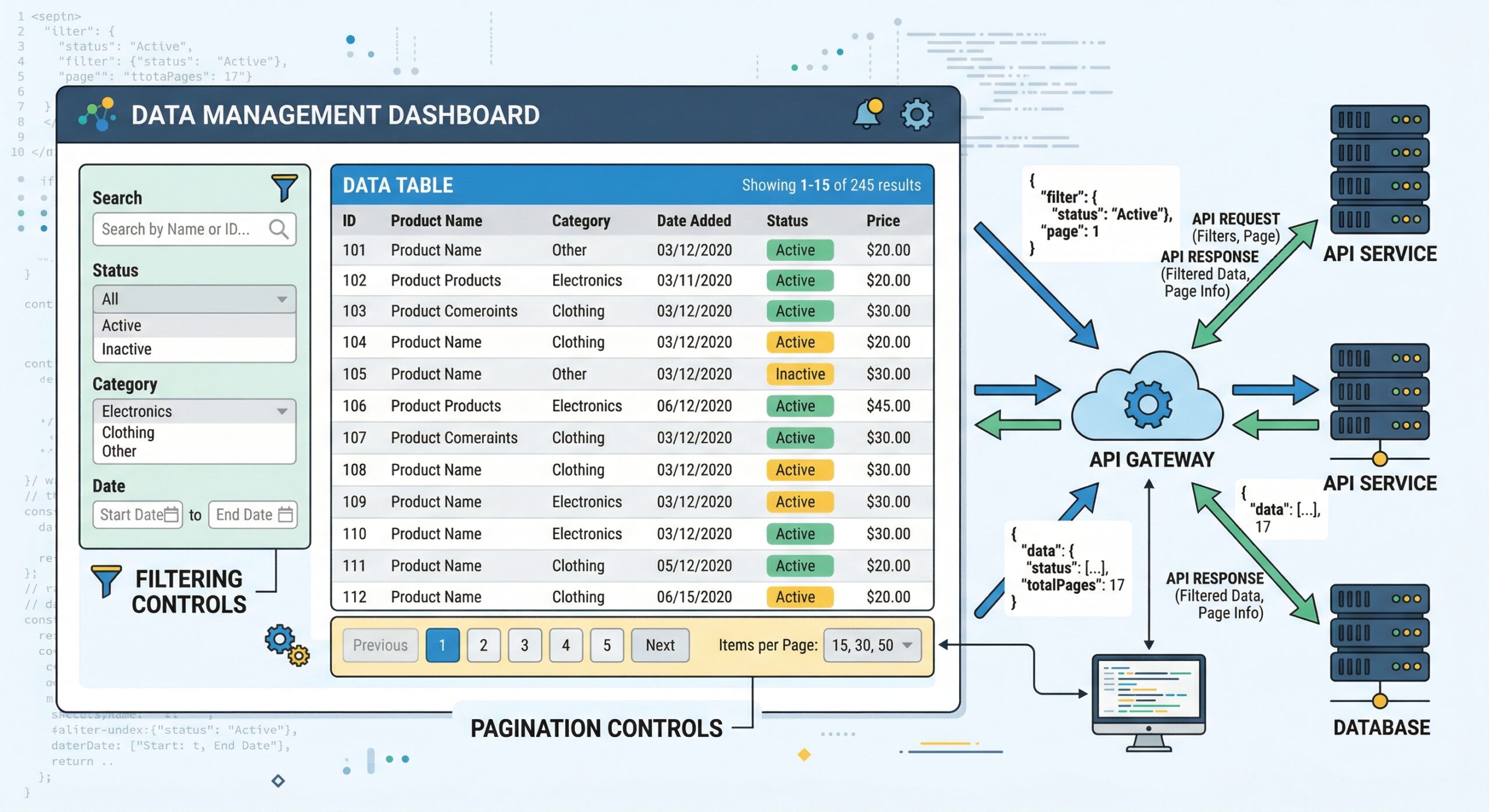
Query Parameters Overview
Data Builder REST API supports six query parameter types for precise data retrieval:
| Parameter | Example | Description |
|---|---|---|
sort | -id | Sort descending by id (prefix - for DESC) |
fields | id,company,email | Sparse fieldset – return only specified columns |
filter | status:1 | Filter by field value |
per_page | 25 | Records per page (default: 25) |
page | 2 | Page number for cursor pagination |
since | 2026-04-25T00:00:00 | Polling – records modified after timestamp |
Filtering
# Filter clients by country
GET https://databuilder.polyxgo.com/api/v1/clients?filter=country:243

# Multiple filters
GET https://databuilder.polyxgo.com/api/v1/invoices?filter=status:2&filter=currency:1
Sorting
# Sort by newest first
GET https://databuilder.polyxgo.com/api/v1/invoices?sort=-id

# Sort by date ascending
GET https://databuilder.polyxgo.com/api/v1/tasks?sort=dateadded
Sparse Fieldsets
# Return only specific fields
GET https://databuilder.polyxgo.com/api/v1/clients?fields=userid,company,phonenumber,email
Pagination
Responses include HATEOAS navigation links:
{
  "data": [...],
  "meta": { "current_page": 1, "per_page": 25, "total": 150 },
  "links": {
    "next": "/api/v1/clients?page=2&per_page=25",
    "prev": null
  }
}
Polling with ?since= (v2.2.0)
For automation platforms, use the since parameter to fetch only records created or modified after a specific timestamp:
# Get invoices modified in the last hour
GET https://databuilder.polyxgo.com/api/v1/invoices?since=2026-04-26T11:00:00
The engine auto-detects Perfex CRM timestamp columns (dateadded, datecreated, etc.) and returns results sorted newest-first. This enables polling triggers for Zapier, Make.com, and n8n.
Leave a Reply